Tips & Tricks
Tips & Tricks
-
 Tips & Tricks
Surface Laptop 2 Tip: How to download the official recovery image
-
Tips & Tricks
How to download the official Surface Pro 6 recovery image
-
Phone Charger Test
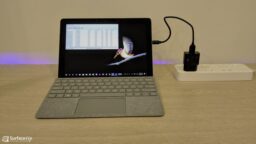
Surface Go USB Charging: Can I charge Surface Go with a USB charger?
-
Surface Go UEFI
How to configure Surface Go UEFI/BIOS settings
-
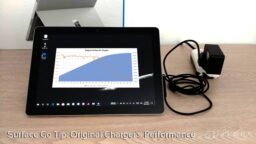
Original Charger Test
Here’s how fast you can charge Surface Go with the original 24W charger
-
Tips & Tricks
Surface Go Tip: How to download the official recovery image
-
Tips & Tricks
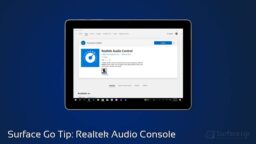
Surface Go Tip: Managing Sound Settings with Realtek Audio Console App
-
Tips & Tricks
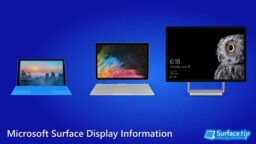
Microsoft Surface display size and resolution – a complete list
-
Surface Precision Mouse
How to connect the Microsoft Surface Precision Mouse to your Computer
-
Troubleshooting
How to Fix Errors on Surface Book Running Windows 10 Spring Creators Update
-
Reset Your Surface
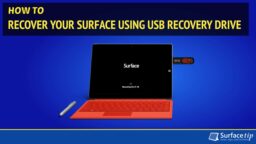
How to Reset Your Surface Using USB Recovery Drive
-
Surface 3 UEFI
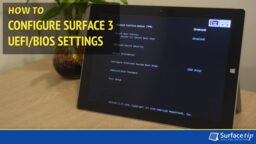
How to Configure Surface 3 UEFI/BIOS Settings
-
Surface Portable Monitor
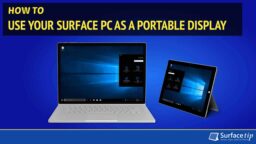
How to Use Your Surface Pro as a Second Monitor
-
Tips & Tricks
Ultimate Tips to Max Out Battery Life on Microsoft Surface Running Windows 10
-
Surface Battery List
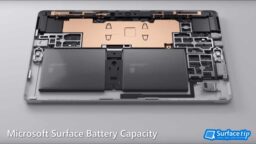
Microsoft Surface battery capacity – a complete list
-
Surface Book UEFI
How to Configure Surface Book UEFI/BIOS Settings
-
Surface Hibernation
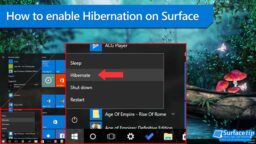
How to enable Hibernation support on Microsoft Surface
-
Tips & Tricks
How to Download Microsoft Surface Drivers and Firmware
-
Surface Pro UEFI
How to Configure Surface Pro UEFI/BIOS Settings
-
Custom Resolutions
How to set custom screen resolutions on Microsoft Surface
-
Tips & Tricks
How to Download and Install the Latest Surface Pro (2017) Drivers and Firmware
-
Tips & Tricks
How to download Surface Pro (2017) Recovery Image
-
Tips & Tricks
How to download Surface Laptop recovery image
-
Tips & Tricks
How to Download and Install the Latest Surface Laptop Drivers and Firmware