Question1
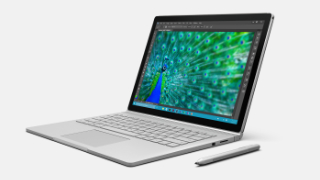
Can you charge Microsoft Surface Book (1st Gen) via a USB port?
Answer
No, you can’t. The USB port on the Microsoft Surface Book (1st Gen) is a USB-A 3.0 port that supports only data transferring.
Fortunately, a workaround lets you charge your Surface Book (1st Gen) with any compatible USB-C PD charger and battery pack.
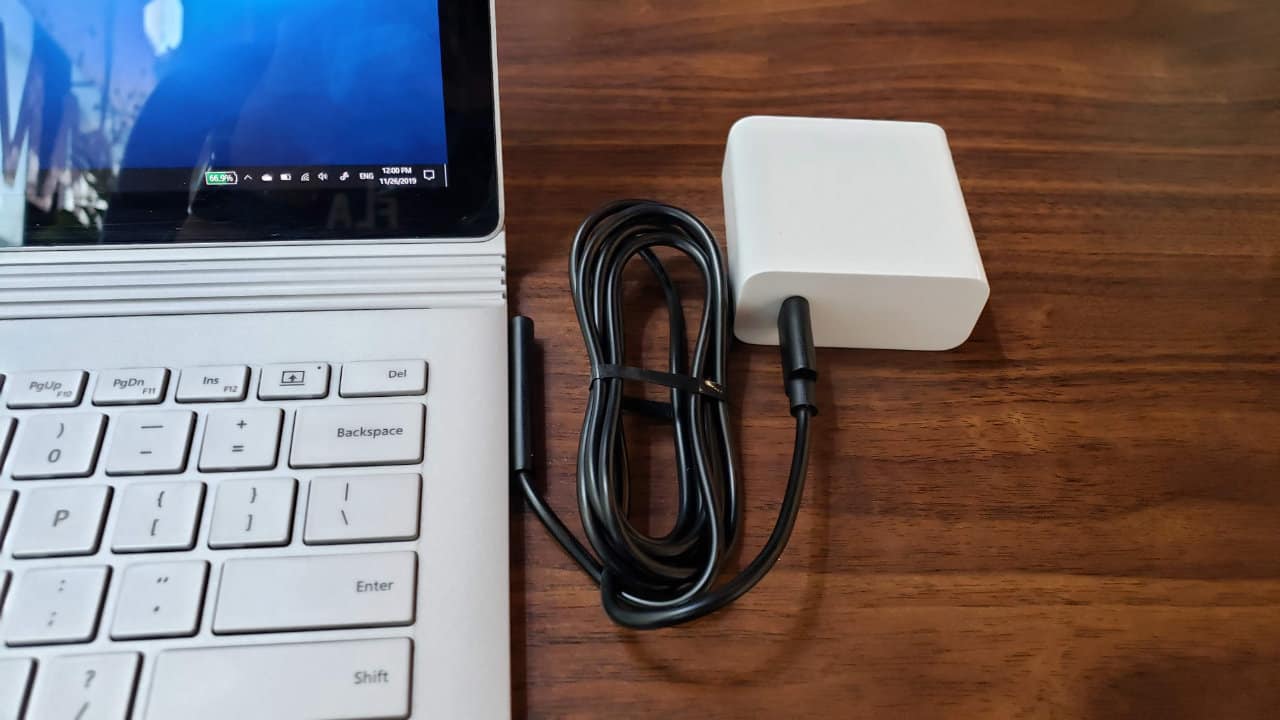
With an increasing number of USB-C with Power Delivery chargers, a USB-C to Surface Connect charging cable is the best option for Surface users. As the Power Delivery 3.0 includes 12V and 15V in its power rules, it can charge all Surface devices available.
However, since all USB-C PD chargers weren’t made for the same purpose, here are some of our recommended chargers and cables that can charge your Surface devices:
![iPhone 12 Charger [GaN Tech], Anker 30W Compact USB-C Wall Charger with Power Delivery, PowerPort Atom for iPhone 12 / Mini/Pro/Pro Max / 11 / X/XS/XR, iPad Pro, MacBook 12'', Pixel, Galaxy](https://m.media-amazon.com/images/I/21CsISIYtDL._SL500_.jpg)
![[NOT Ideal for Note10+, which Calls for a PPS Enabled Charger] ZMI Turbo 45W Wall Charger USB-C PD AC Adapter Laptop Charger for New MacBook Pixelbook/Pixel XL Fast Charging Galaxy S10/S9/S8/Note9](https://m.media-amazon.com/images/I/31ThQSsNOpL._SL500_.jpg)



COMMENTS
Let us know what you think!
We appreciate hearing your thoughts, questions, and ideas about “Can you charge the Surface Book via a USB port?”.
My ankore 737 power bank 140 watt not support Microsoft surface book (1st generation) what can I do now
My surface book (1st generation) not support anker 737 (140 watt) Powerbank ,what can I do now
Hi Nasim,
You will need a USB-C to Surface Connect cable or adapter in order to charge your first-gen Surface Book with any USB-C PD adapters including the Anker 737 Powerbank you mentioned. This one will work https://www.amazon.com/dp/B087KTCLPD